新创建的应用,右侧菜单里是具有扫一扫的功能的,通过js-sdk您还可以在页面其他位置调用扫一扫功能。
1.在需要调用JS接口的页面引入如下JS文件,(支持https):http://static.ydbimg.com/API/YdbOnline.js
2.无返回值方法 :
YDB.Scan();
// 参数说明:此方法无参数,直接调用扫一扫功能,扫描结果由App自行处理
3.有返回值方法
    YDB.GetScan("你事先准备好的方法名");
       //参数说明:web处理扫描结果,传入返回值处理方法名,在这个方法中处理扫描字串,
       //例如,您定义的方法为 function DoWithScan(outValue){};
       //那么,调用SDK可以这样写:YDB.GetScan("DoWithScan");
4.示例:
1.页面添加js-sdk调用
1 2 3 4 5 6 7 8 9 10 11 12 13 14 15 16 17 18 19 20 21 | <script src="http://static.ydbimg.com/Scripts/jquery-1.9.1.js" type="text/javascript"></script><script src="http://static.ydbimg.com/API/YdbOnline.js" type="text/javascript"></script><script type="text/javascript"> var YDB = new YDBOBJ(); $(function () { /*扫一扫,有返回值方法*/ $("#qrcodescan").click(function () { YDB.GetScan("DoWithScan") }); }); //扫一扫,定义回调方法 function DoWithScan(outValue) { if (outValue.indexOf("http") < 0) { alert("扫描结果:" + outValue); } else { window.location.href = outValue; } }</script> |
1 | <div id="qrcodescan">扫一扫</div> |
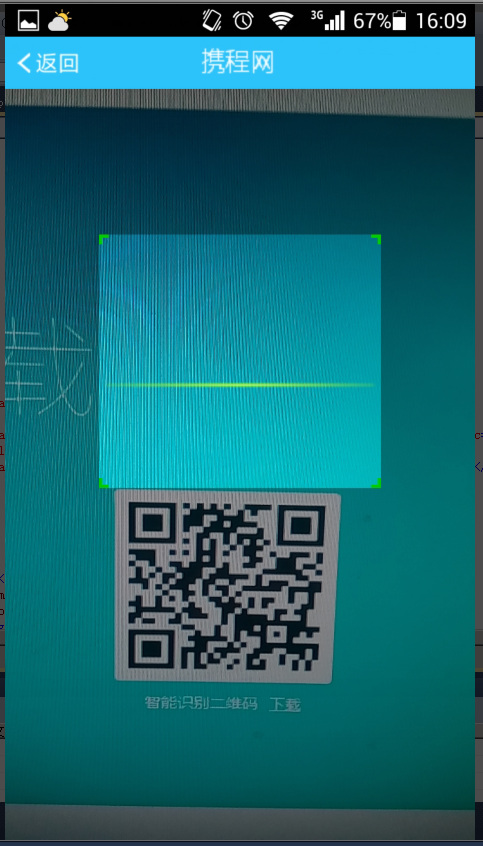
2.应用效果
详细内容可以参考:http://www.yundabao.cn/API/YdbOnline.aspx#YdbOnline.4.1