说明 / 示例
# 1.运营项目接口
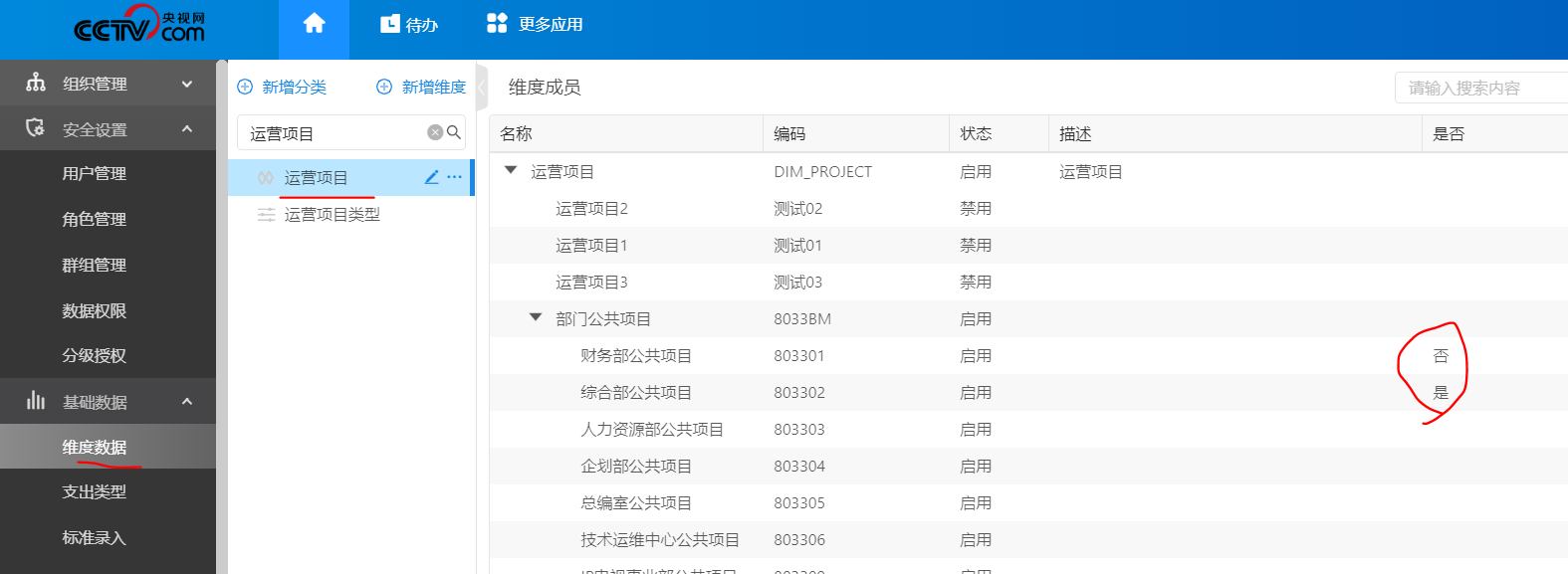
# 2.根据运营项目来处理申请单|报销单的展示情况。
# 3.代码分析
export const billeditor = AsyncComponent(() => import('@platform/expenseclaim/editor'));// 填单
处理填单位置
# 4.运营项目接口
## 4.1 运营项目拉选位置
主表区:
对应t_bill_define 字段 BILL_TEMPLATE
```
"06c89064d88811e984f439278733e721": {
"attributeName": "FYY_DEF_001",
"boAreaFieldId": "06c89064d88811e984f439278733e721",
"boAreaId": "59b6f7cec84e441db2fea4a63700a175",
"boAreaName": {
"zh_CN": "主表区"
},
"boTypeAreaFieldId": "1099538ed88911e9913ee8611f1be234",
"collectionObjectTypes": [],
"columnId": "06c97ac8d88811e984f43709614c8a94",
"columnName": "FYYXM_DEF_201",
"dataAttribute": "DEFAULT",
"dataSourceId": "6b8ce3199ebe11e88b72a97a1dba5a21",
"dataType": "DROPDOWN",
"dateFormat": "yyyy-MM-dd",
"defaultLoad": true,
"fieldTitle": {
"zh_CN": "运营项目"
},
"layoutStyle": "HORIZONTAL",
"length": 32,
"placeholder": {
"zh_CN": "运营项目"
},
"placeholderLangKey": "109953a5d88911e9913ee8611f1be234",
"required": true,
"titleDisPlay": "FIELD_NAME",
"visibleAttribute": []
}
```
初始传值组件
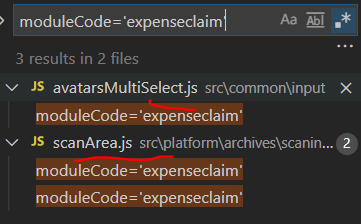
传入下拉组件
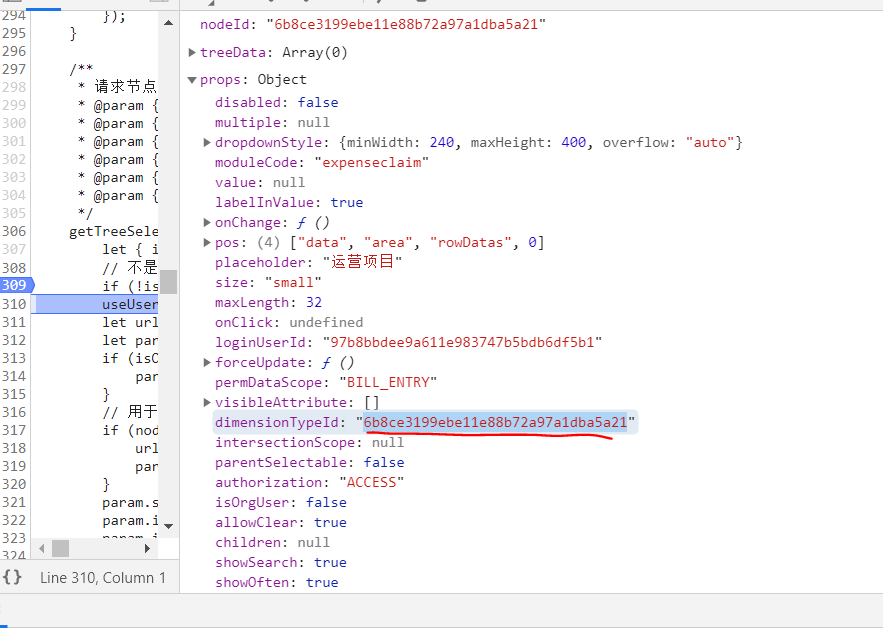
dataSourceId 作为维度类型id
```
```
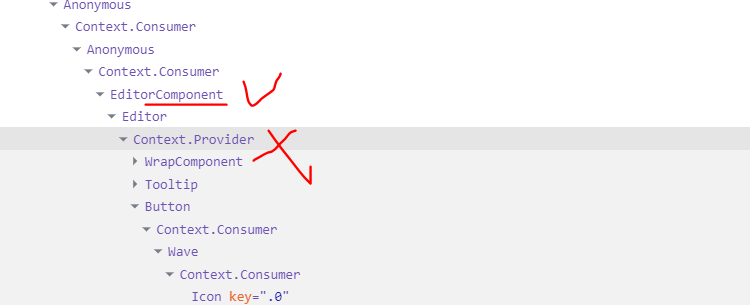
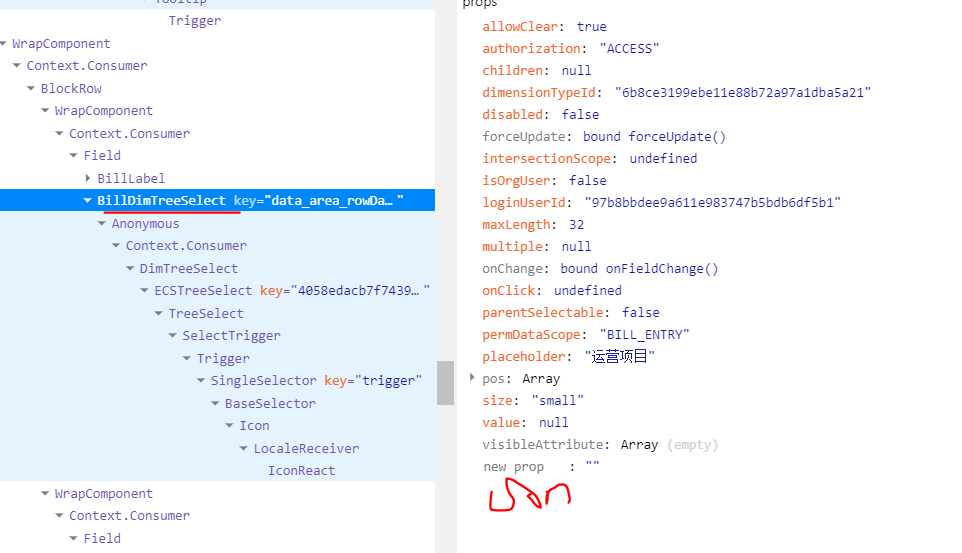
## 正解:上下文丢参数,配置Consumer的参数传递
http://127.0.0.1:8089/#/api?appId=e3d5e4787ff911e88b1997bee3518b4d&TOKEN=83e6af20393311eaab016be496b35934&ang=zh_CN
https://www.jianshu.com/p/65b348bf86ad
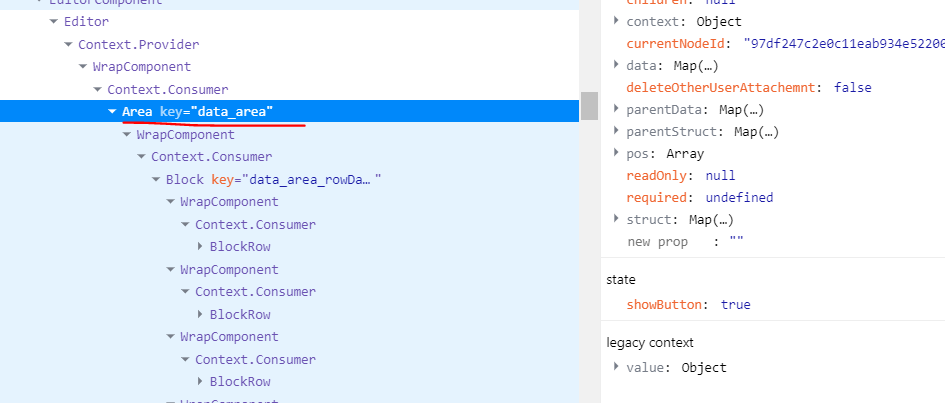
对应
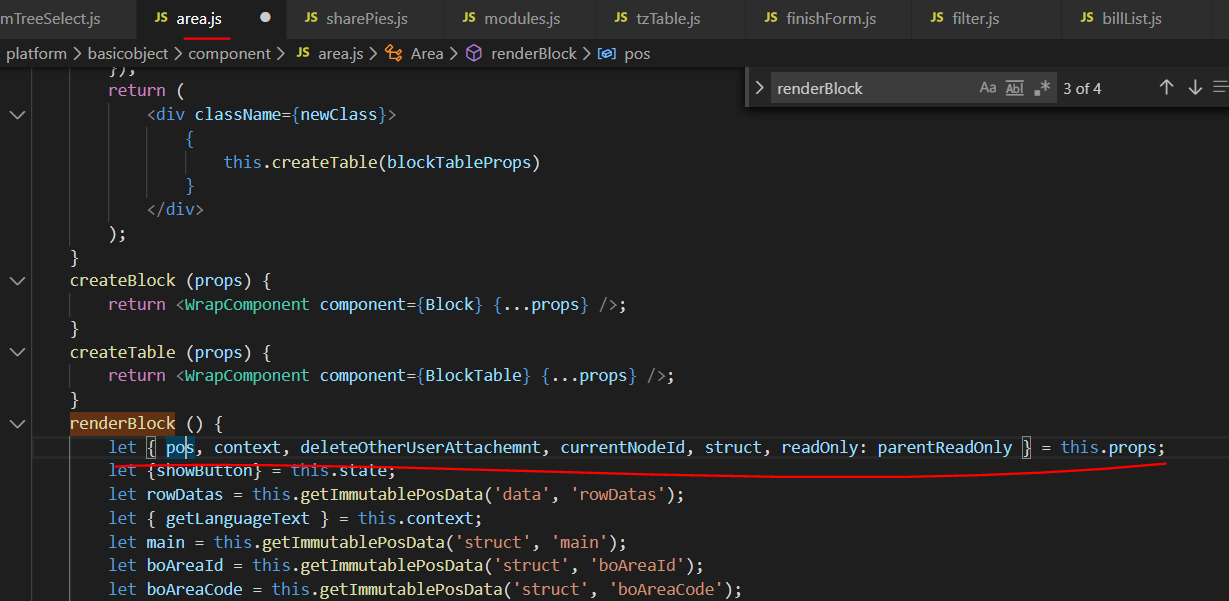
丢失上下文
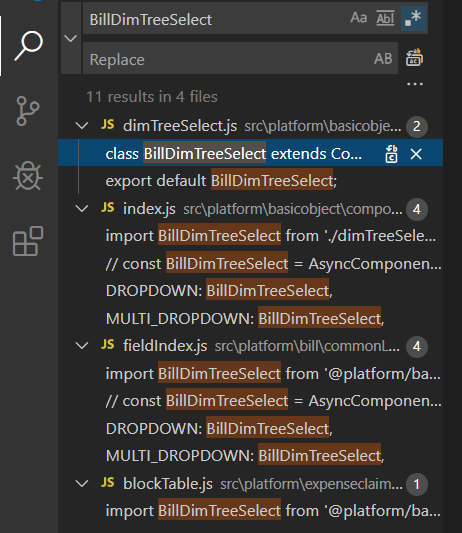
https://www.cnblogs.com/volodya/p/11212847.html
# 最终方案:
## 1.修正field函数,传入billInfo对象
```javaScript
let {billInfo,lang, getUserId} = context || {};
.....
case dataTypes.MULTIDROPDOWN:
authorization = 'ACCESS';
intersectionScope = this.intersectionScope();
applicantId = getUserId && getUserId();
// 2020-01-18 hejie 传入属性为单据属性,便于二开取用单据作为识别标识
typeProps = { ...typeProps,billInfo, loginUserId: applicantId, permDataScope: 'BILL_ENTRY', visibleAttribute, dimensionTypeId: dataSourceId, multiple: true, intersectionScope, parentSelectable: !!nonleaf, authorization, allowClear: true };
break;
case dataTypes.DROPDOWN:
authorization = 'ACCESS';
intersectionScope = this.intersectionScope();
applicantId = getUserId && getUserId();
let allowClear = true;
// 业务对象发票类型字段不需要清空按钮
if (columnName === 'BO_TYPE_DEFINE_ID') {
allowClear = false;
}
// 2020-01-18 hejie 传入属性为单据属性,便于二开取用单据作为识别标识
typeProps = { ...typeProps,billInfo, loginUserId: applicantId, forceUpdate: this.forceUpdate, permDataScope: 'BILL_ENTRY', visibleAttribute, dimensionTypeId: dataSourceId, multiple: multiSelect, intersectionScope, parentSelectable: !!nonleaf, authorization, isOrgUser: false, allowClear: allowClear };
break;
```
效果图
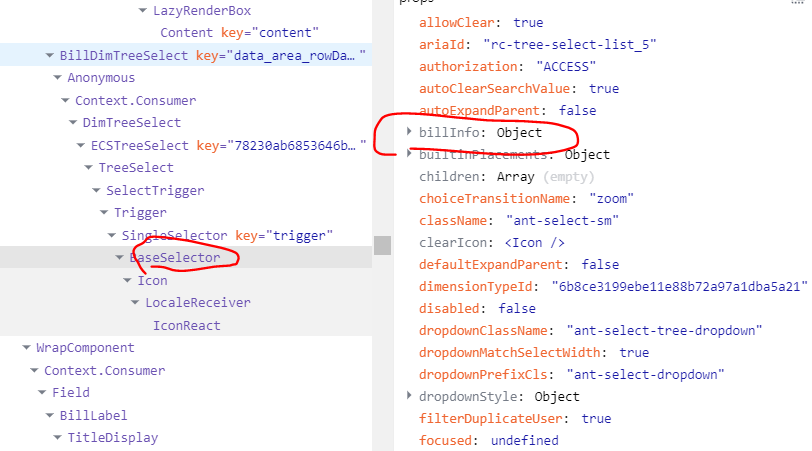
## 2.接口可直接使用BillInfo作为识别标识。
初始传值组件
``` javaScript
export const getParameter = ({billInfo,dimensionTypeId, searchInfo, isParentId, isShowDisable, isFastShow, isShowCode, isShowRootNode, isSynchronize, intersectionScope, permDataScope, loginUserId}) => ({
billKeyInfo: {
billType:billInfo.type,
billDefineId:billInfo.billDefineId
},
dimObjectId: dimensionTypeId,
isParentId,
isShowDisable,
searchInfo,
isFastShow,
isShowCode,
isShowRootNode,
isSynchronize,
intersectionScope,
permDataScope,
loginUserId
});
```
传入下拉组件


## 3.改造后端接口,增加参数处理
### 3.31 前端修正TreeSelect.js
```
export const GET_DIMS_ACCESS_URL = '/cctv/dim/dimObject/getDimObjectAccessTree';
```
### 3.32 后端编写Controller封装模块。
注意参数要继承原始结构,并增加billKeyInfo对象。
